Install once
Add the official Kuali extension from Chrome Web Store in Chrome, Edge, Brave, or Arc. It detects whether the desktop app is available before suggesting capture.
Kuali's browser extension carries live audio and participant context directly to the desktop app. Whisper transcribes locally while the meeting is happening, without depending on Meet captions.
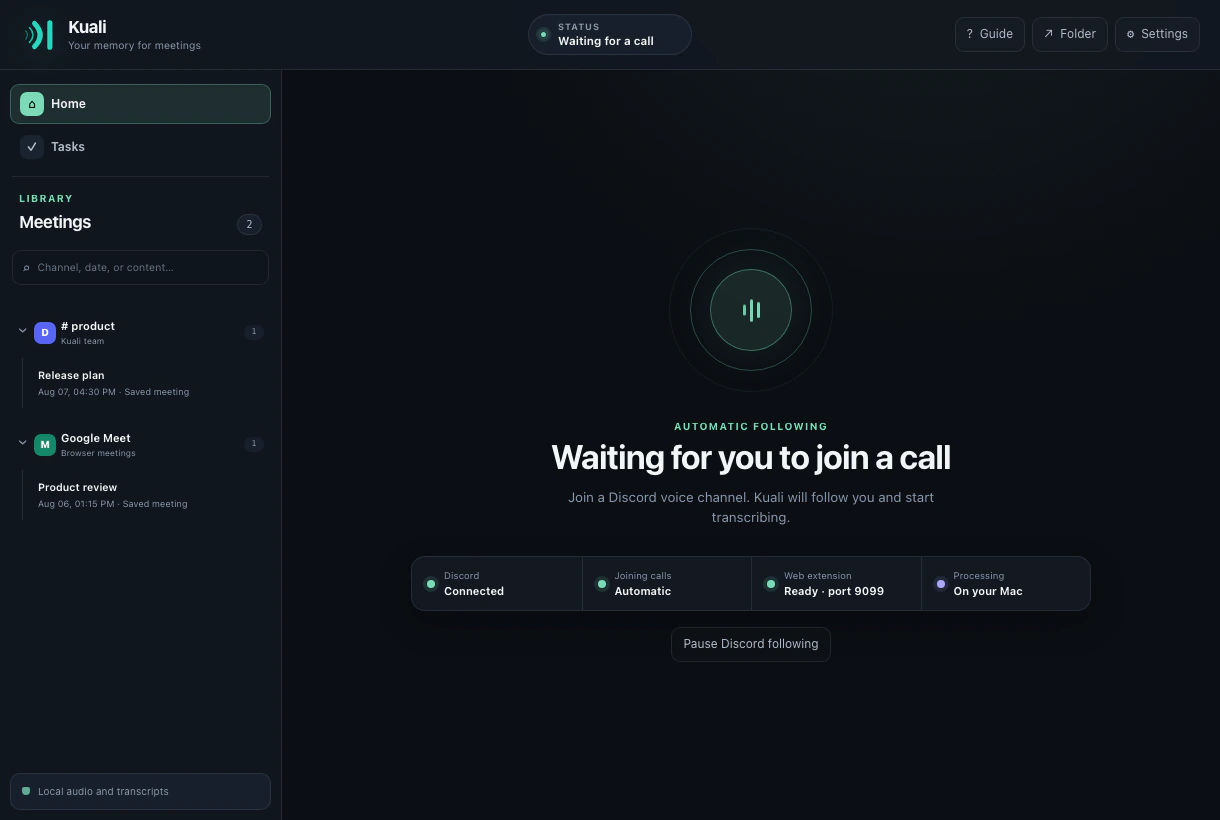
Kuali does not scrape the visible subtitle text. The extension observes the meeting roster, mute state, speaking activity, and audio tracks exposed by Meet, then transports capture frames only to the loopback listener on your computer.
Add the official Kuali extension from Chrome Web Store in Chrome, Edge, Brave, or Arc. It detects whether the desktop app is available before suggesting capture.
Join the call and choose to record. Kuali reflects speaking and mute state live, preserving separate participant audio whenever Meet exposes it.
When the call, tab, or capture connection ends, Kuali finalizes that meeting and releases its transcription resources.
The Kuali extension packages all of its JavaScript and audio processing code. It connects to the desktop app over 127.0.0.1, rejects ordinary website origins, and does not upload the meeting to a Kuali server.
Capture begins only after a user action and a consent confirmation. The recording indicator remains visible while the meeting is active.
Kuali keeps stable platform identifiers as strings and refreshes names and avatars as Meet exposes them. Switching tabs does not intentionally rename a known person, and a muted participant is not treated as an active speaker merely because the device microphone still exists.
When Meet exposes a separate track, Kuali preserves it. When a meeting mode exposes only mixed audio, Kuali labels the source honestly rather than inventing an attribution.
Silero removes keyboard noise, hum, taps, and other non-speech segments before Whisper receives them. You choose the transcription model, language, storage location, and special vocabulary from the desktop app.
Raw PCM is processed in memory and is not retained as an audio recording. The searchable transcript and meeting metadata stay in Kuali's local application directory.
The completed meeting is searchable by title, participant, date, source, and transcript text. Optional processing through Claude Code, Codex, Gemini CLI, or your chosen API provider can generate a short title, summary, key points, decisions, open questions, and tasks assigned to participants.
Signed Standard Webhooks can send the completed record to tools you explicitly subscribe. Neither summaries nor webhooks are enabled without your configuration.
Kuali's Meet workflow has dedicated capture, participant, mute, lifecycle, and end-to-end tests. Microsoft Teams and Zoom remain experimental with partial support and may expose less complete participant or audio information in some meeting modes.
No. It captures live audio and participant context, then transcribes with the Whisper model running in the desktop app. This also avoids being limited to the caption language selected in Meet.
From the extension to the Kuali app on the same computer over a loopback connection. Kuali does not operate a cloud audio or transcription backend.
Yes. Kuali observes the Meet participant state and stops treating the local participant as audible when Meet marks that participant as muted.
The desktop listener detects the dead connection, finalizes the matching meeting, and no longer leaves it shown as listening forever.
The Chrome Web Store handles installation and updates; Kuali discovers the desktop app locally. No unpacked extension, developer mode, or manual port configuration.